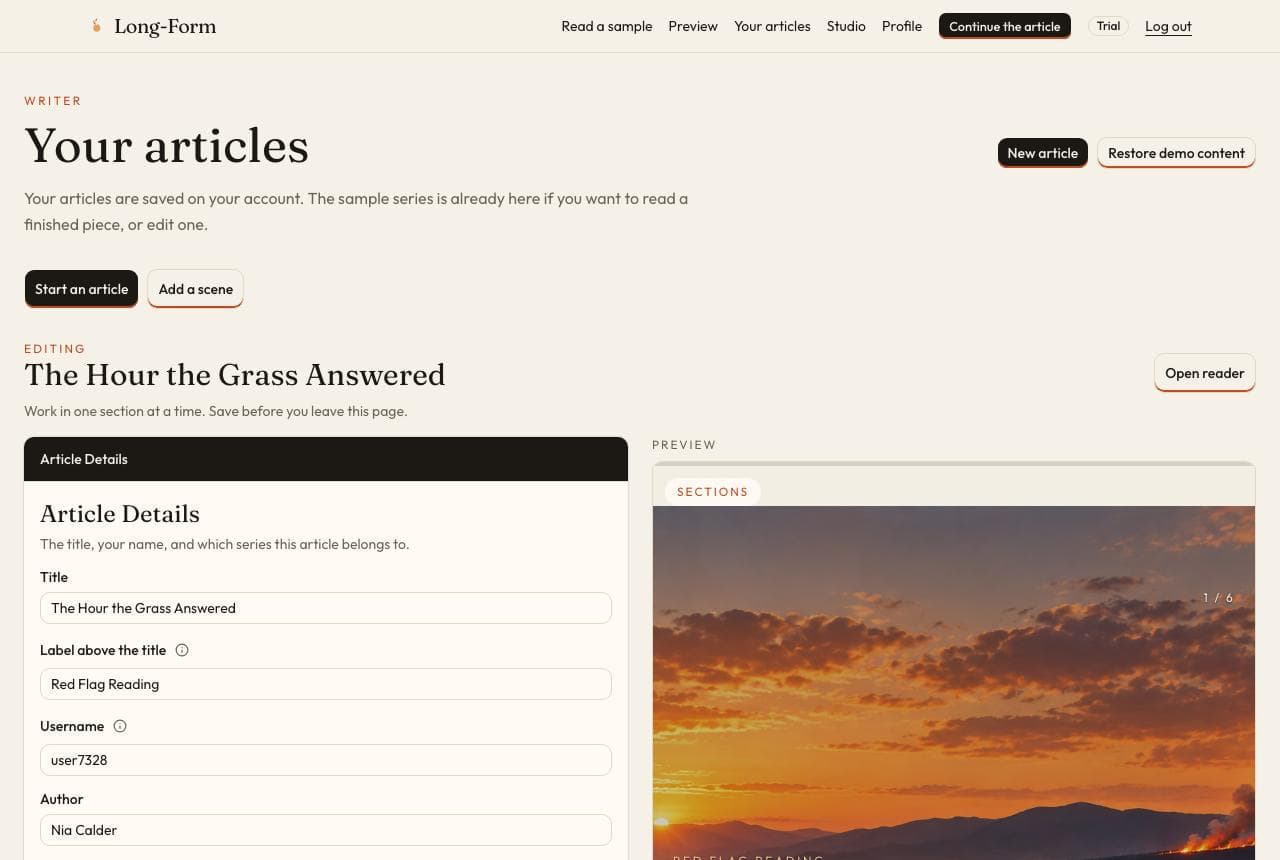
Step 1
Your articles
After you log in, the desk opens on your articles. The sample series is already there to read or edit. New article starts a piece of your own. Restore demo content puts the samples back, and it deletes articles you have added.
Opening Long-Form…
Members desk
This is the area you get with an account. A short walkthrough, then the steps for creating an article.
Name an article, write the opening, pin a scene, and preview it. The pictures below are the same screens, one step at a time.
Step 1
After you log in, the desk opens on your articles. The sample series is already there to read or edit. New article starts a piece of your own. Restore demo content puts the samples back, and it deletes articles you have added.
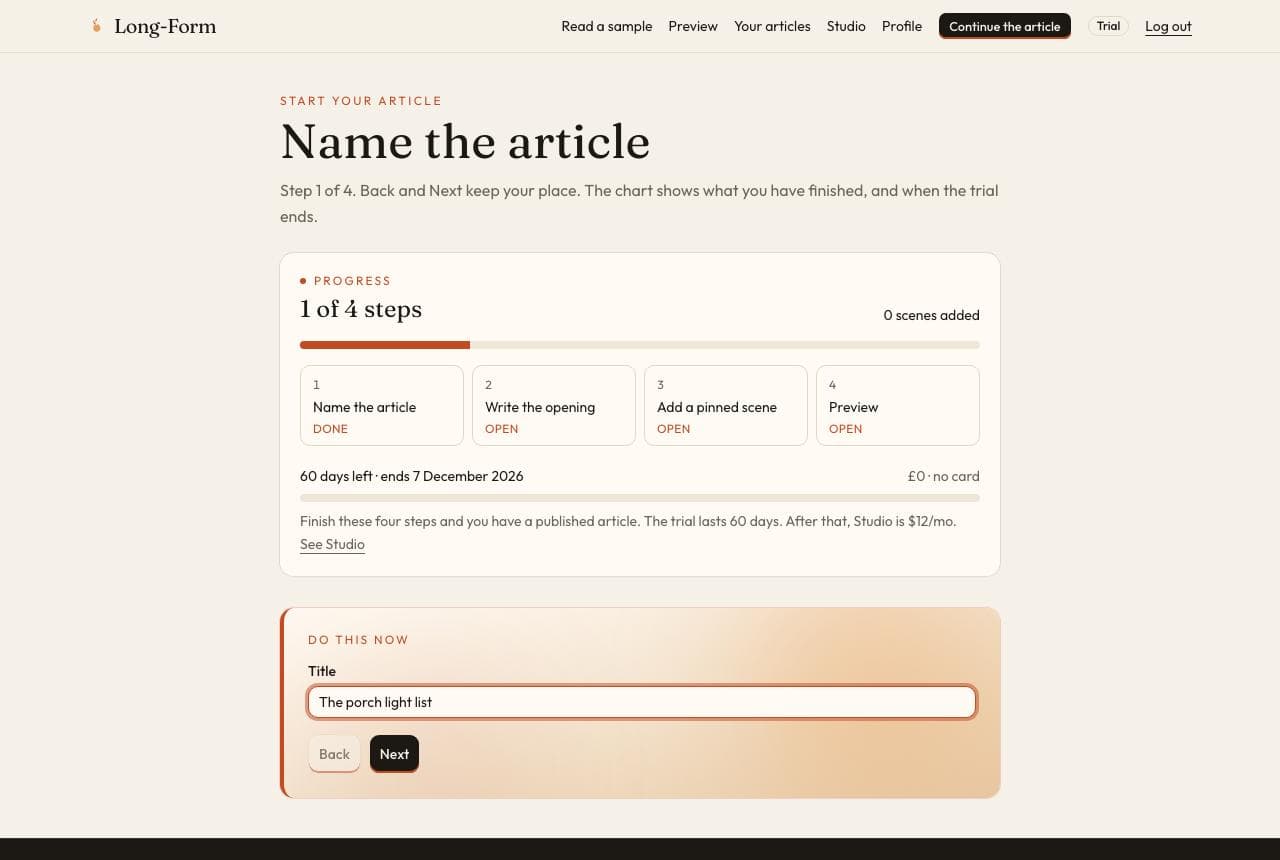
Step 2
The guide starts with a title. The chart above the step shows what you have finished, and when the trial ends.
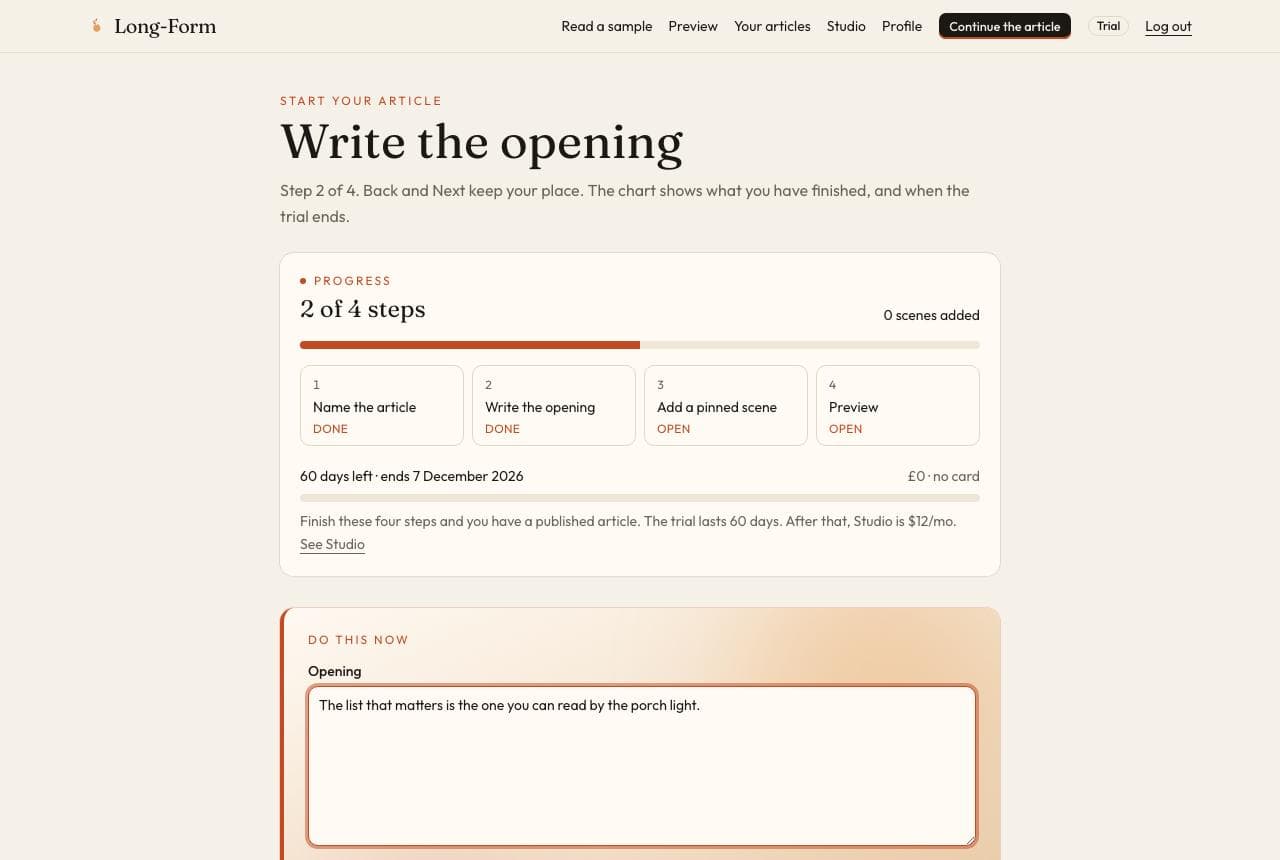
Step 3
These are the first words a reader sees. A sentence is enough to continue.
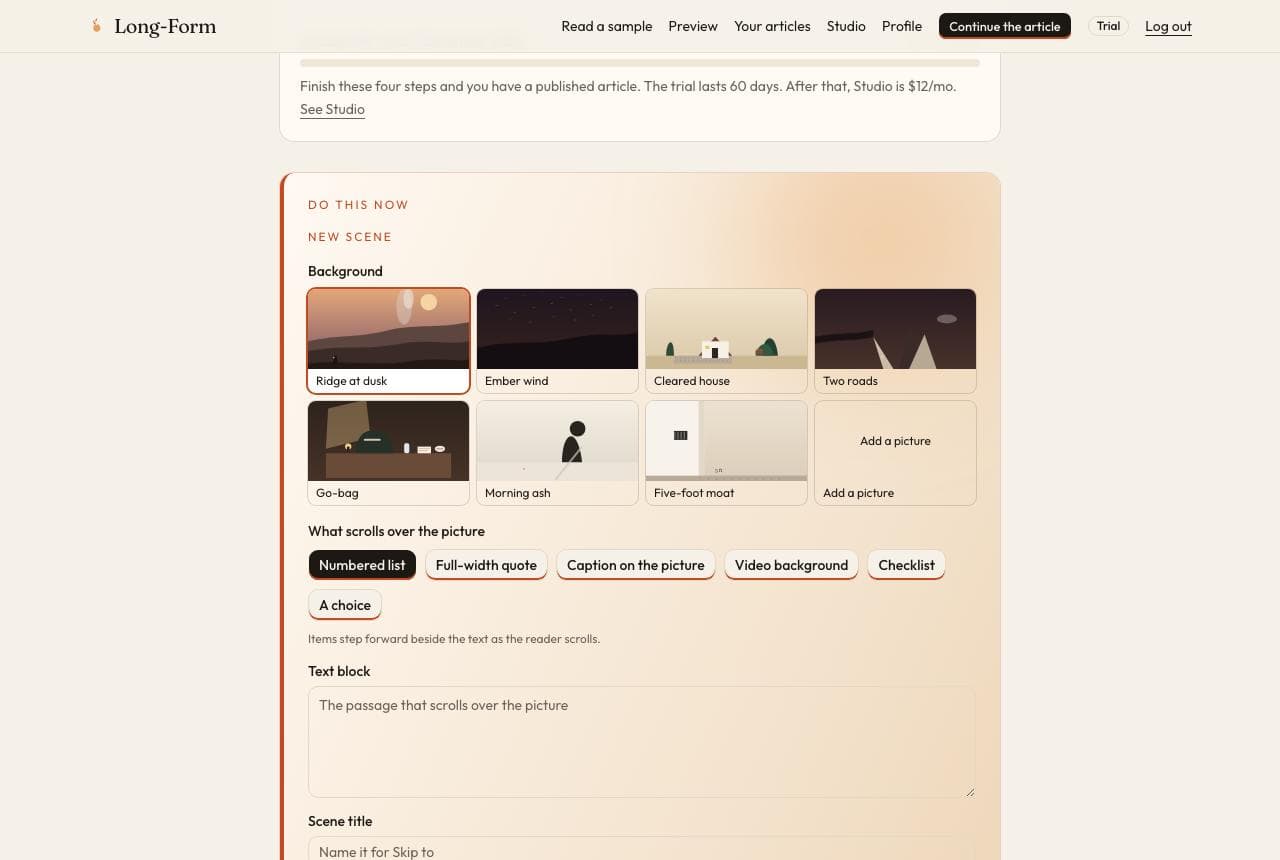
Step 4
A scene is a full-screen picture that stays put while the words scroll. Pick one of the built-in pictures, or add your own, then choose what sits on top of it.
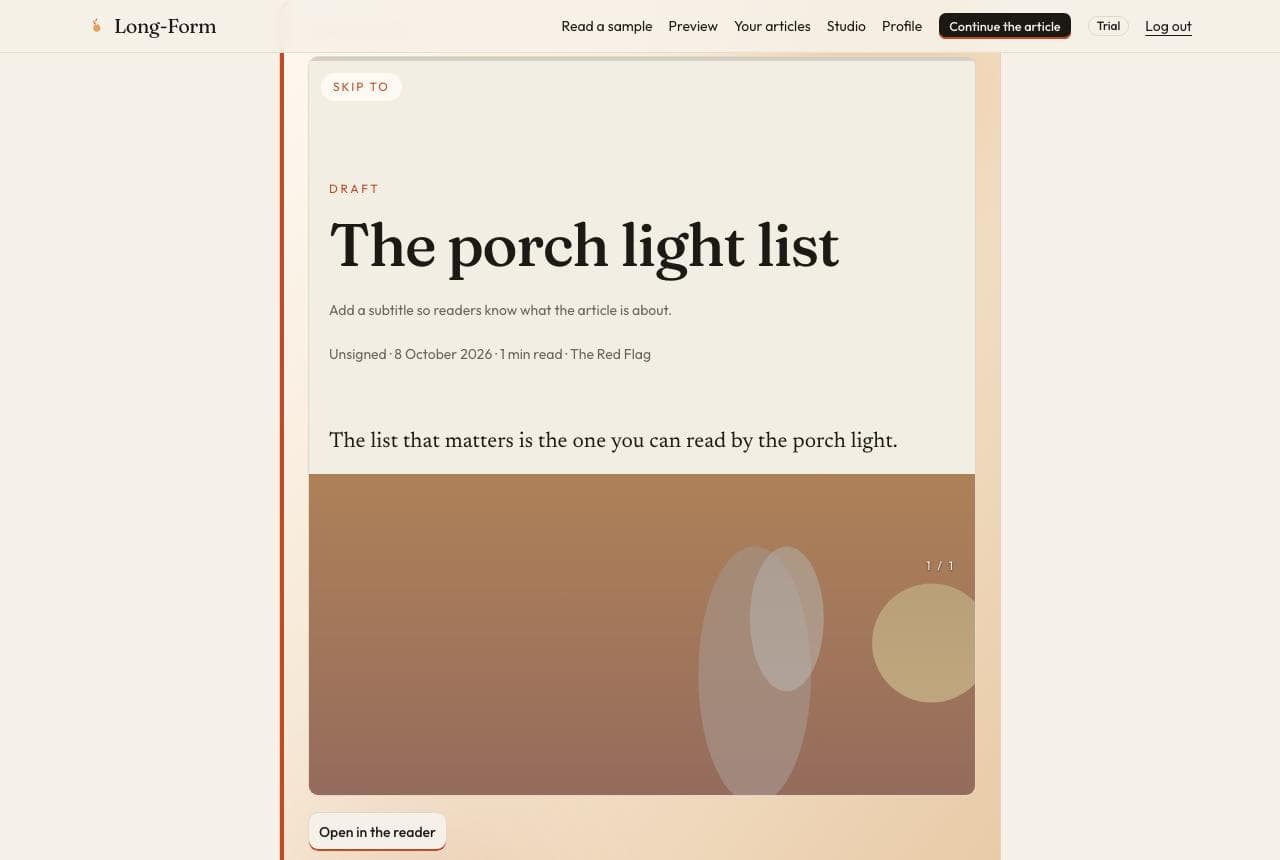
Step 5
Read the piece the way a visitor will. Open in the reader when you want the full page. The draft stays on your articles.
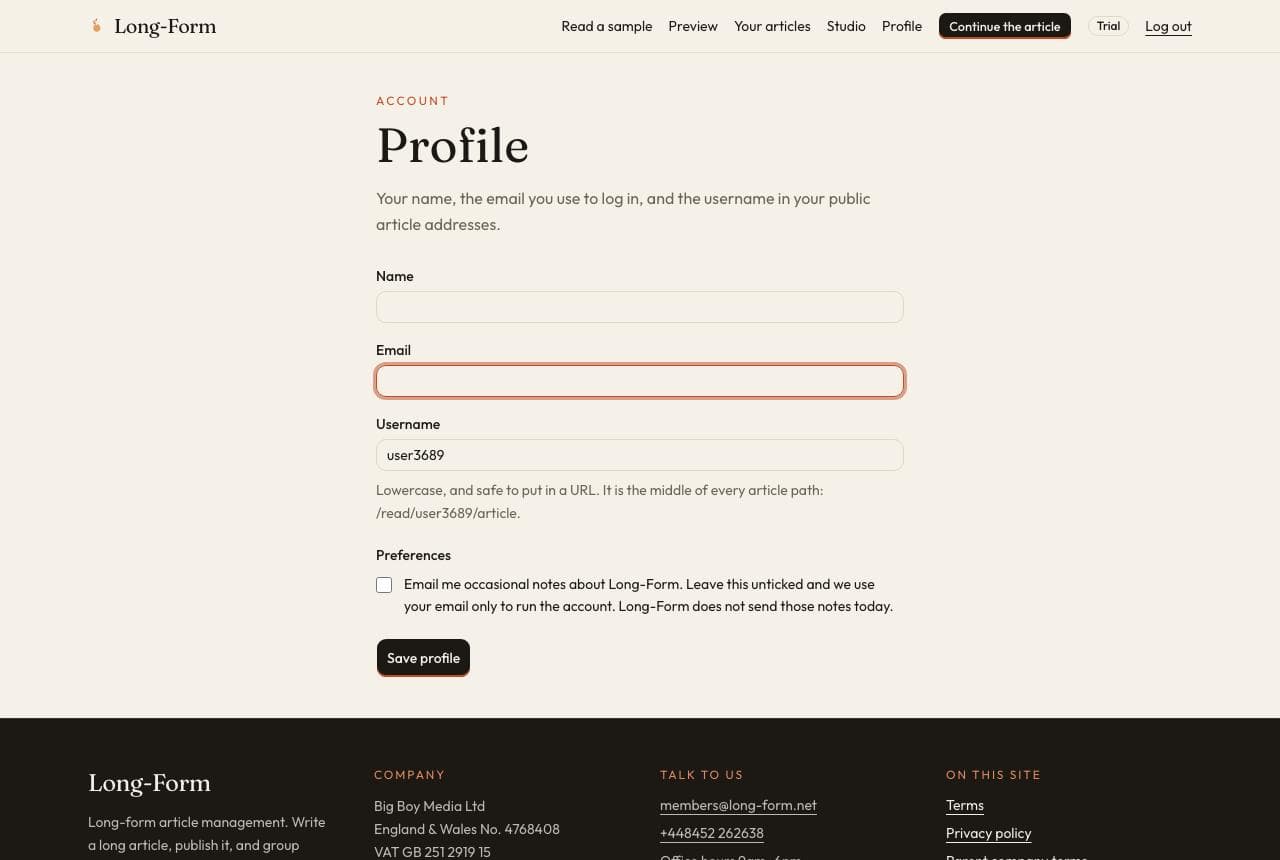
Step 6
Your name, the email you use to log in, your public username, and the optional notes preference are on the profile.